Project Plan Template For App Development
App Development Project Plan Template
Introduction
A well-defined project plan is crucial for the successful development of any mobile application. This document serves as a template to guide you through the essential elements of an app development project plan, ensuring clarity, organization, and effective execution. A solid project plan mitigates risks, keeps the team aligned, and maximizes the chances of delivering a high-quality app on time and within budget.
1. Project Overview
1.1. Project Title
Give your project a clear and concise title. For example: “MyAwesomeApp Mobile Application Development”.
1.2. Project Goals and Objectives
Clearly define what you aim to achieve with this app. What problem does it solve? What specific outcomes do you expect? Objectives should be SMART: Specific, Measurable, Achievable, Relevant, and Time-bound.
- Example Goal: Increase customer engagement.
- Example Objectives:
- Achieve 10,000 app downloads within the first 3 months of launch.
- Increase daily active users by 20% within 6 months.
- Achieve an average app store rating of 4.5 stars or higher.
1.3. Target Audience
Identify your ideal user. Who are they? What are their needs and pain points? Understanding your target audience will inform design, features, and marketing strategies. Include demographic information, user behaviors, and technology proficiency.
1.4. App Description
Provide a brief but comprehensive description of the app, its core functionality, and its unique selling proposition (USP). What makes your app stand out from the competition?
2. Scope Management
2.1. In-Scope Features
Detail all the features that will be included in the initial release of the app. Be specific and avoid ambiguity. This section is crucial for preventing scope creep. Example: User Registration, Product Browsing, Shopping Cart, Secure Checkout, Push Notifications.
2.2. Out-of-Scope Features
Explicitly list any features that are *not* included in the initial release. This helps manage expectations and prevents disagreements later on. Example: Social Media Integration (to be considered in future releases), Advanced Analytics Dashboard (Phase 2).
2.3. Change Management Process
Define a process for handling change requests. How will new feature requests be evaluated? Who has the authority to approve changes? How will changes be documented and communicated? A formal process is essential to prevent uncontrolled scope creep.
3. Schedule and Timeline
3.1. Work Breakdown Structure (WBS)
Break down the project into smaller, manageable tasks. This allows for better planning, tracking, and assignment of responsibilities. Examples include: Requirements Gathering, UI/UX Design, Front-end Development, Back-end Development, Testing, Deployment.
3.2. Task Dependencies
Identify dependencies between tasks. Which tasks must be completed before others can begin? Use a Gantt chart or similar tool to visualize these dependencies.
3.3. Timeline and Milestones
Create a realistic timeline with specific start and end dates for each task. Define key milestones to track progress and ensure the project stays on schedule. Examples: Completion of UI/UX Design, Alpha Release, Beta Release, App Store Submission, Official Launch.
3.4. Resource Allocation
Assign resources (developers, designers, testers, etc.) to each task. Estimate the time and effort required for each task to accurately allocate resources.
4. Budget and Resources
4.1. Cost Estimation
Estimate the cost of each task, including labor, software licenses, cloud services, and other expenses. Consider using different estimation techniques (e.g., bottom-up, analogous estimation). Include a contingency budget for unexpected costs.
4.2. Resource Allocation
Identify the resources required for each task, including personnel, software, hardware, and any external services. This ensures that the team has the tools and support needed to complete their work.
4.3. Payment Schedule
Define the payment schedule for contractors or vendors, if applicable. This should be clearly outlined in contracts and agreed upon by all parties.
5. Team Roles and Responsibilities
Clearly define the roles and responsibilities of each team member. This prevents confusion and ensures accountability. Examples: Project Manager, Lead Developer, UI/UX Designer, QA Tester, Marketing Manager.
6. Communication Plan
Establish a communication plan to ensure that all stakeholders are informed about the project’s progress, risks, and issues.
- Communication Channels: Define the channels for communication (e.g., daily stand-ups, weekly status reports, email, project management software).
- Frequency: Determine how often communication will occur.
- Audience: Identify who needs to be informed about specific updates.
7. Risk Management
Identify potential risks that could impact the project’s success and develop mitigation strategies.
- Risk Identification: Brainstorm potential risks (e.g., technical challenges, resource constraints, market changes).
- Risk Assessment: Evaluate the likelihood and impact of each risk.
- Mitigation Strategies: Develop plans to prevent or minimize the impact of each risk.
- Contingency Plans: Create backup plans in case a risk materializes.
8. Testing and Quality Assurance
Outline the testing strategy and quality assurance processes to ensure that the app meets the required standards.
- Testing Types: Define the types of testing that will be performed (e.g., unit testing, integration testing, user acceptance testing).
- Testing Environment: Specify the testing environment and tools that will be used.
- Acceptance Criteria: Define the criteria that must be met for the app to be considered acceptable.
9. Deployment and Launch Plan
Detail the steps required to deploy the app to the app stores and launch it to the public.
- App Store Guidelines: Ensure the app complies with app store guidelines.
- Submission Process: Outline the process for submitting the app to the app stores.
- Launch Marketing: Plan the marketing activities to promote the app launch.
10. Post-Launch Support and Maintenance
Define the plan for providing ongoing support and maintenance after the app is launched.
- Bug Fixes: Plan for addressing bug reports and releasing updates.
- Feature Enhancements: Outline the process for adding new features and improvements.
- Monitoring and Analytics: Implement monitoring and analytics to track app performance and user behavior.
Conclusion
This app development project plan template provides a framework for organizing and managing your app development project. Remember to tailor this template to your specific project requirements and update it regularly as the project progresses. By following a well-defined project plan, you can increase your chances of delivering a successful app that meets your goals and satisfies your target audience.
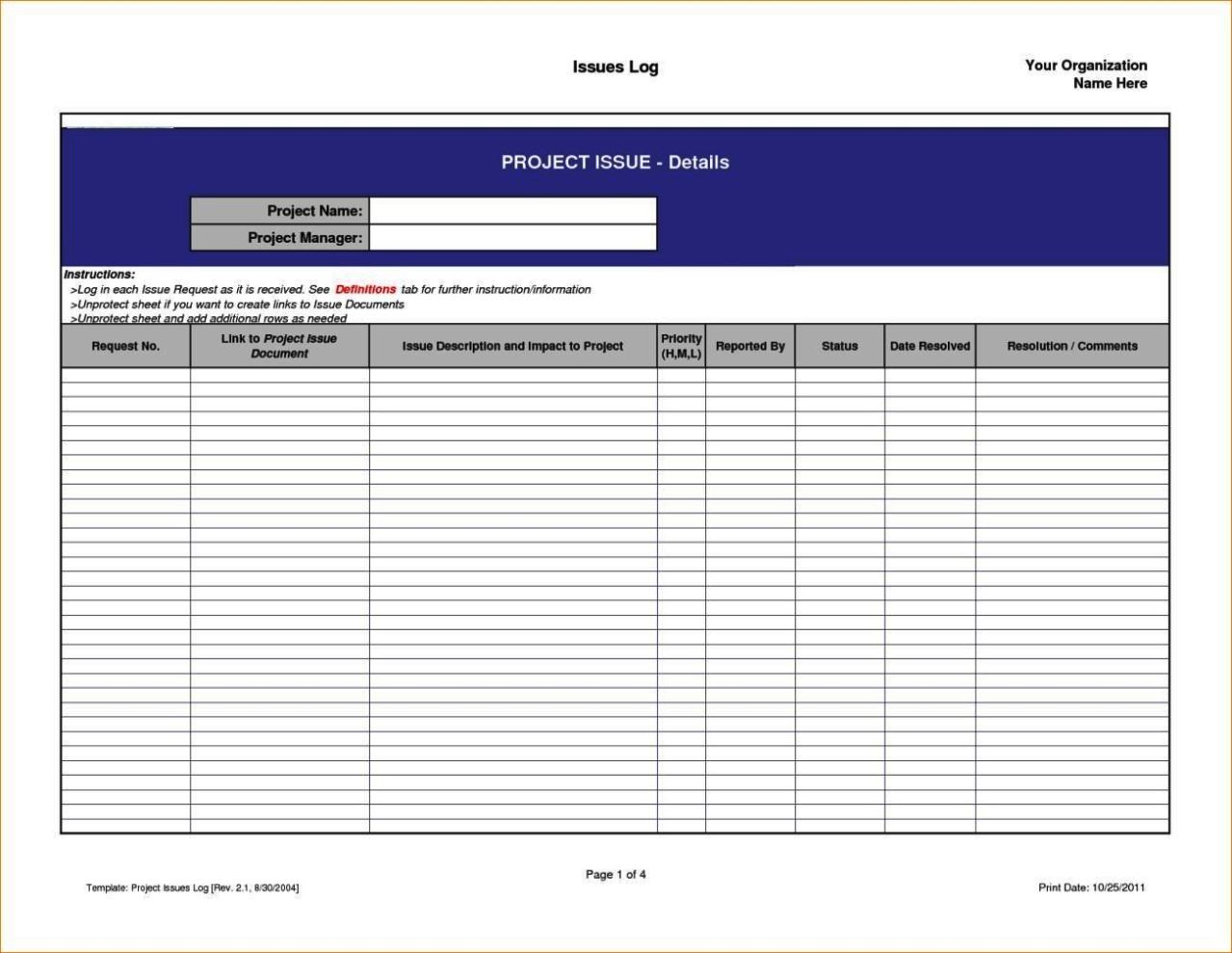 1279×989 application development project plan template sampletemplatess from www.sampletemplatess.com



Project Plan Template For App Development :
Project Plan Template For App Development was posted in October 23, 2025 at 12:46 am. If you wanna have it as yours, please click the Pictures and you will go to click right mouse then Save Image As and Click Save and download the Project Plan Template For App Development Picture.. Don’t forget to share this picture with others via Facebook, Twitter, Pinterest or other social medias! we do hope you'll get inspired by SampleTemplates123... Thanks again! If you have any DMCA issues on this post, please contact us!
Related For Project Plan Template For App Development
Night Routine Plan Template
Crafting the Perfect Night Routine Plan Template Crafting theProject Plan Template For Remote Te
Project Plan Template for Remote Teams Project Plan TemplateEmployee Onboarding Plan Template
Employee Onboarding Plan Template Employee Onboarding Plan Template A