Remote Team Agenda Planner
Mastering the Remote Team Agenda: A Guide to Productive Meetings
In today’s increasingly distributed workforce, the remote team meeting has become a cornerstone of collaboration. However, poorly planned meetings can quickly devolve into time-wasting exercises that leave team members feeling frustrated and disconnected. A well-crafted agenda is the key to unlocking the potential of remote meetings, ensuring they are productive, engaging, and contribute meaningfully to team goals.
Why a Dedicated Agenda Planner is Crucial
Simply listing topics isn’t enough. A true agenda planner goes beyond this, providing a structured framework that considers:
- Purpose & Objectives: What specific outcomes are you aiming to achieve during the meeting?
- Time Allocation: How much time should be dedicated to each agenda item?
- Presenters & Contributors: Who is responsible for leading each segment and what preparation is expected?
- Pre-Reading Materials: What information should attendees review beforehand to maximize efficiency?
- Action Items & Follow-Up: How will decisions and assigned tasks be documented and tracked?
Key Elements of an Effective Remote Team Agenda
- Clear and Concise Objectives: Start with a brief, unambiguous statement of the meeting’s purpose. This sets the tone and helps participants understand the overall goal. For example, instead of “Project Update,” use “Project Alpha: Review progress against Q3 milestones and identify potential roadblocks.”
- Prioritized Agenda Items: Rank agenda items based on their importance and urgency. Address critical topics early in the meeting when attention spans are highest. Use a system like MoSCoW (Must have, Should have, Could have, Won’t have) to categorize items and prioritize accordingly.
- Realistic Time Allocation: Accurately estimate the time needed for each item. Be generous, especially for complex discussions or problem-solving sessions. Factor in time for introductions, brief technical troubleshooting, and a buffer for unexpected delays. Utilize a timer during the meeting to keep things on track.
- Designated Presenters & Contributors: Assign clear ownership for each agenda item. This ensures accountability and allows presenters to prepare adequately. Communicate expectations regarding presentation style, data preparation, and required deliverables. Encourage active participation from all attendees by incorporating Q&A sessions or interactive activities.
- Pre-Reading Materials: Distribute relevant documents, reports, or presentations well in advance of the meeting. This allows participants to familiarize themselves with the material and come prepared with informed questions and contributions. This drastically reduces time wasted on summarizing information during the meeting.
- Action Item Tracking: Capture decisions made and assign specific action items to individuals with clear deadlines. Use a collaborative document or project management tool to track progress and ensure accountability. Regularly review outstanding action items in subsequent meetings to maintain momentum.
- Engagement Strategies: Remote meetings can sometimes feel impersonal. Incorporate strategies to keep participants engaged. These might include polls, breakout rooms for smaller group discussions, virtual whiteboards for brainstorming, or gamified activities to break up the monotony. Consider using visual aids and interactive presentation software to enhance engagement.
- Technological Considerations: Ensure everyone is familiar with the meeting platform and has the necessary equipment (microphone, webcam, stable internet connection). Provide a brief technical check at the start of the meeting to resolve any issues quickly. Designate a facilitator to manage the technology and troubleshoot problems.
- Post-Meeting Summary: Distribute a concise summary of the meeting, including key decisions, action items, and assigned responsibilities. This reinforces the meeting’s outcomes and provides a reference point for future discussions.
- Feedback Loop: Regularly solicit feedback from team members on the effectiveness of the agenda and meeting process. This allows you to identify areas for improvement and continuously refine your approach. Anonymous surveys or brief post-meeting polls can be valuable tools for gathering feedback.
Tools for Creating and Managing Remote Team Agendas
Several digital tools can streamline the agenda planning process:
- Collaborative Document Editors (Google Docs, Microsoft Word Online): Allow for real-time co-creation and editing of the agenda, ensuring everyone is on the same page.
- Project Management Software (Asana, Trello, Monday.com): Integrate agenda items with project tasks and timelines, providing a centralized view of progress.
- Meeting Management Platforms (Zoom, Microsoft Teams, Google Meet): Offer built-in features for scheduling, agenda sharing, and action item tracking.
- Dedicated Agenda Tools (Fellow.app, Hugo): Provide specialized features for agenda creation, meeting note-taking, and action item management, often integrating with other popular productivity tools.
Best Practices for Remote Meeting Etiquette
Even with a well-planned agenda, adherence to remote meeting etiquette is crucial for fostering a productive and respectful environment:
- Be on Time: Arrive promptly to avoid disrupting the flow of the meeting.
- Mute When Not Speaking: Minimize background noise and distractions.
- Use Video: Turn on your webcam to enhance connection and engagement (when appropriate).
- Actively Participate: Contribute to the discussion and ask questions.
- Be Respectful: Listen attentively to others and avoid interrupting.
- Avoid Multitasking: Focus your attention on the meeting and avoid checking emails or working on other tasks.
Conclusion
The remote team agenda is more than just a list of topics; it’s a strategic tool that can significantly impact the effectiveness of your team’s collaboration. By investing time in planning and utilizing the right tools, you can transform remote meetings from time-wasting obligations into valuable opportunities for communication, problem-solving, and progress towards shared goals. A well-defined agenda, coupled with clear communication and a focus on engagement, is the foundation for building a high-performing and connected remote team.
 800×800 meeting planner mwah from mwah.live
  474×349 managing remote team practices template mondaycom from monday.com
  1010×1024 birth remote team productivity taskade blog from www.taskade.com
  768×410 tips effectively manage remote team calendar from www.calendar.com
  500×491 ways build productive remote team calendar from www.calendar.com
 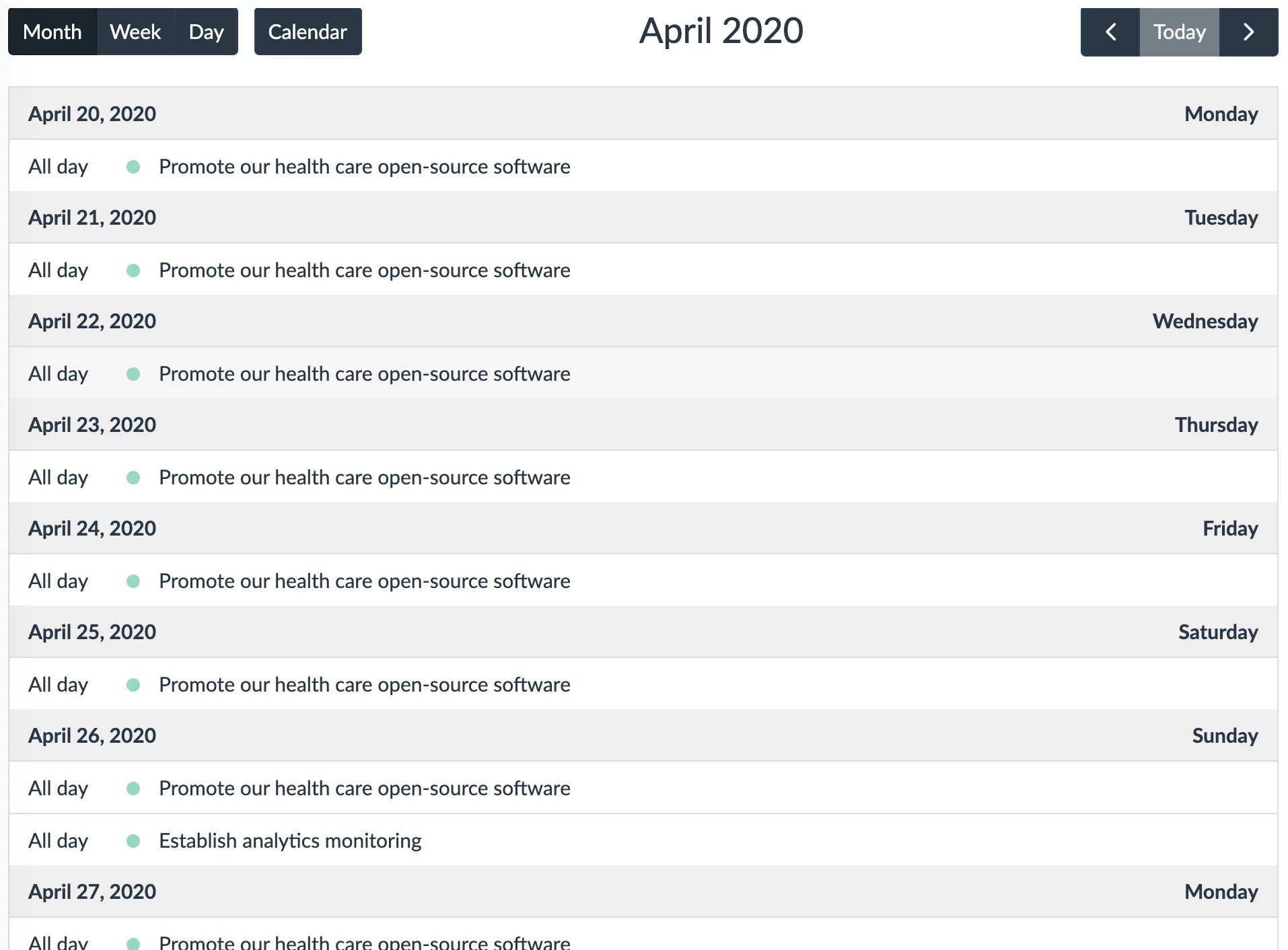 1914×1412 ultimate remote work template coordinate team lumeer from www.lumeer.io
  1600×1020 tips remote team management uxdx from uxdx.com


Remote Team Agenda Planner :
Remote Team Agenda Planner was posted in May 9, 2025 at 11:57 pm. If you wanna have it as yours, please click the Pictures and you will go to click right mouse then Save Image As and Click Save and download the Remote Team Agenda Planner Picture.. Don’t forget to share this picture with others via Facebook, Twitter, Pinterest or other social medias! we do hope you'll get inspired by SampleTemplates123... Thanks again! If you have any DMCA issues on this post, please contact us!
Related For Remote Team Agenda Planner
Vacation Planning Agenda Sheet
Vacation Planning Agenda Sheet Vacation Planning Agenda Sheet: YourInfluencer Marketing Agenda
Influencer marketing has evolved from a nascent trend toProduct Update Meeting Agenda
Product Update Meeting Agenda Product Update Meeting Agenda A