Bug Tracking Meeting Agenda
Bug Tracking Meeting Agenda
This document outlines a sample agenda for a bug tracking meeting. The agenda aims to provide a structured approach to reviewing, prioritizing, and assigning bugs, ultimately contributing to a more stable and reliable software product.
Meeting Information
- Meeting Title: Bug Tracking Meeting
- Frequency: (e.g., Daily, Bi-weekly, Weekly)
- Duration: (e.g., 30 minutes, 1 hour)
- Attendees: Development Team, QA Team, Product Owner/Manager, (Optional: UX Designer, Customer Support Representative)
- Location: (Physical meeting room or virtual meeting platform)
I. Opening (5 minutes)
- Welcome and Introductions: Briefly welcome attendees and ensure everyone knows each other’s roles.
- Review Agenda: Quickly go over the agenda to ensure everyone is on the same page.
- Meeting Goals: Clearly state the goals of the meeting. For example:
- Review newly reported bugs.
- Prioritize bugs based on impact and severity.
- Assign bugs to developers for resolution.
- Track progress on existing bug fixes.
- Identify any potential roadblocks or dependencies.
II. Review of New Bugs (15-20 minutes)
- Bug Triage: Systematically review newly reported bugs, typically starting with the most recently submitted.
- Verification: Confirm that the bug is reproducible. Can the team consistently recreate the issue?
- Severity Assessment: Determine the severity level of each bug. Common severity levels include:
- Critical: Causes a major system failure or data loss, rendering the system unusable.
- High: Significantly impacts a major functionality or feature, causing significant user disruption.
- Medium: Impacts a minor functionality or feature, causing some user inconvenience.
- Low: Minor issue, cosmetic defect, or usability suggestion that does not significantly impact functionality.
- Priority Assignment: Assign a priority to each bug based on its severity and business impact. Common priority levels include:
- Immediate: Must be fixed immediately due to critical impact.
- High: Should be fixed as soon as possible.
- Medium: Should be fixed in the current sprint/release.
- Low: Can be fixed in a future sprint/release.
- Assignment: Assign the bug to a specific developer or team member for investigation and resolution.
- Clarification: Ask clarifying questions to ensure everyone understands the bug and its impact. This might involve reviewing logs, screenshots, or user stories.
- Duplication Check: Ensure that the bug is not a duplicate of an existing bug. If it is, mark it as a duplicate and link it to the original bug report.
- Documentation Review: Briefly review the bug report to ensure it contains sufficient information, including:
- Clear and concise description of the issue.
- Steps to reproduce the issue.
- Expected behavior.
- Actual behavior.
- Environment details (e.g., operating system, browser, device).
- Screenshots or videos (if applicable).
III. Progress Review of Existing Bugs (15-20 minutes)
- Status Updates: Review the progress of bugs that are currently in progress (e.g., “In Progress,” “In Review,” “Testing”). Developers should provide brief updates on their progress.
- Blockers and Dependencies: Identify any bugs that are blocked or have dependencies on other tasks. Discuss potential solutions to overcome these obstacles.
- Re-evaluation of Priority: Re-evaluate the priority of existing bugs based on changing business needs or priorities.
- Escalation: If a bug is taking longer than expected to resolve, escalate it to the appropriate stakeholders.
- Verification of Fixes: QA team reports on verified fixes, and bugs are marked as “Closed” when verified as resolved.
- Discussion of Resolved Issues: Briefly discuss any interesting or complex bugs that have been resolved. This can help the team learn from their mistakes and improve their processes.
IV. Open Discussion and Action Items (5 minutes)
- General Discussion: Allow time for open discussion and any other relevant topics related to bug tracking and quality assurance.
- Action Items: Clearly define any action items that need to be completed after the meeting, including who is responsible for each action item and the deadline for completion.
- Next Steps: Outline the next steps to be taken in the bug fixing process.
- Meeting Summary: Briefly summarize the key decisions made during the meeting.
V. Adjournment
Thank attendees for their time and participation. End the meeting on time.
Important Considerations:
* Use a Bug Tracking System: Utilize a bug tracking system (e.g., Jira, Bugzilla, Azure DevOps) to manage and track bugs efficiently. * Regular Meetings: Hold bug tracking meetings regularly to stay on top of bug fixes and ensure a consistent focus on quality. * Focus on Collaboration: Encourage open communication and collaboration between developers, QA testers, and product owners. * Data-Driven Decisions: Use data from the bug tracking system to identify trends, prioritize bug fixes, and track progress. For example, track the number of open bugs, the average time to resolve a bug, and the severity distribution of bugs. * Continuous Improvement: Continuously evaluate and improve the bug tracking process based on feedback from the team.
 1021×662 bug tracking template mondaycom from monday.com
  1440×900 bug tracking template projectco from www.project.co
  585×550 bug tracking template word excel documents from www.template.net
 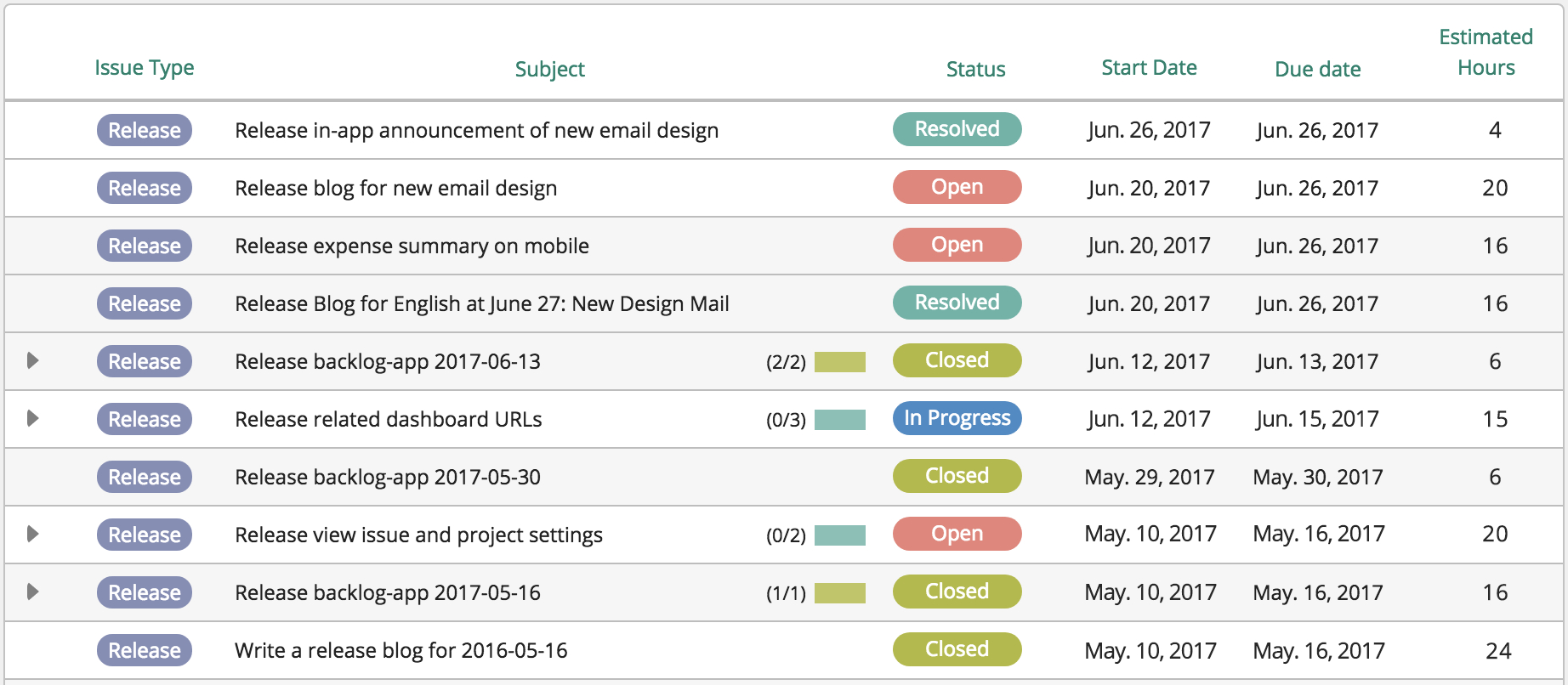 1844×806 bug tracking spreadsheet db excelcom from db-excel.com
  2400×1530 bug tracking template manage track report bugs asana from asana.com
 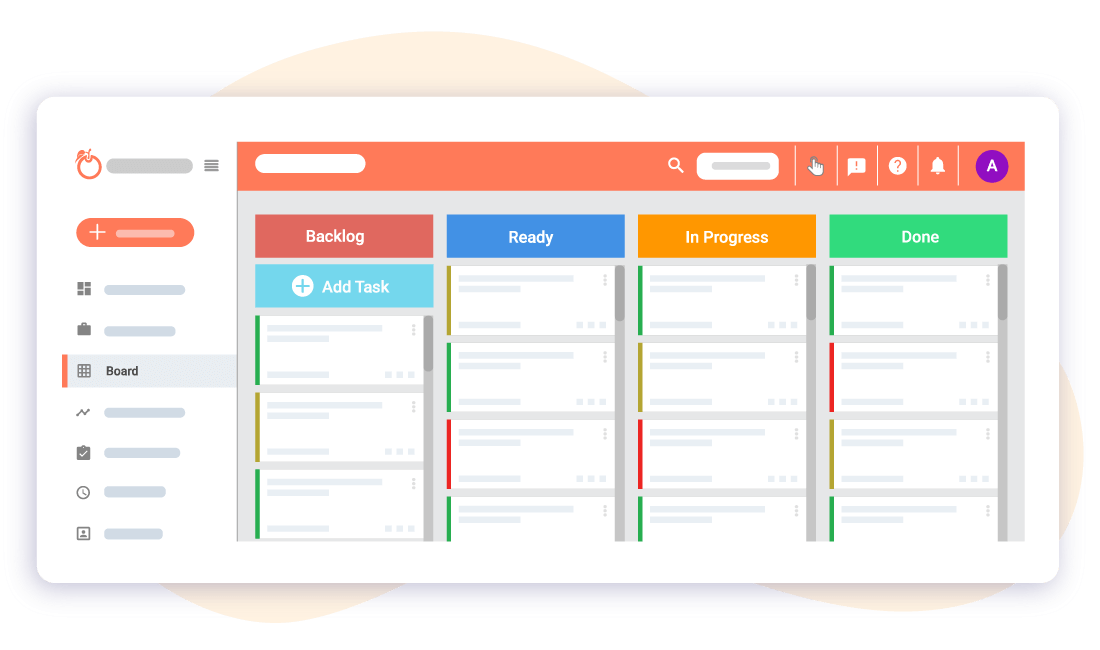 1100×650 bug tracking project template bug tracking template issue tracking from app.orangescrum.com
  2032×1426 track report bugs bug tracking template from www.teamwork.com
  2000×1298 template bug issue tracking smarttask from www.smarttask.io
  444×575 conference track agenda template word templates from word.microsofttemplates.org
  800×480 meeting agenda attendance follow smartsheet from www.smartsheet.com
  600×300 bug defect tracking archives software testing class from www.softwaretestingclass.com
 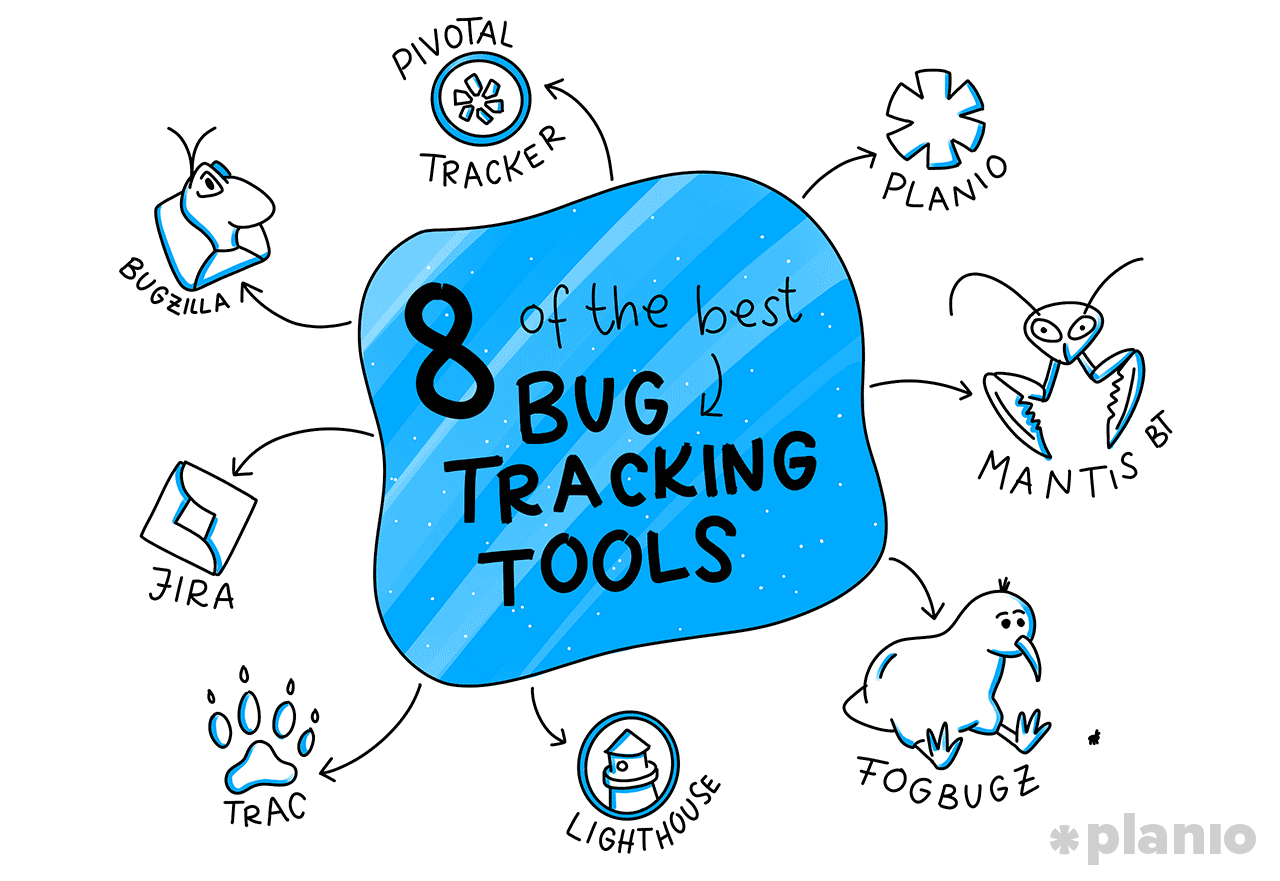 1280×881 bug tracking tools workflows top technical teams squash from plan.io



Bug Tracking Meeting Agenda :
Bug Tracking Meeting Agenda was posted in July 13, 2025 at 2:45 pm. If you wanna have it as yours, please click the Pictures and you will go to click right mouse then Save Image As and Click Save and download the Bug Tracking Meeting Agenda Picture.. Don’t forget to share this picture with others via Facebook, Twitter, Pinterest or other social medias! we do hope you'll get inspired by SampleTemplates123... Thanks again! If you have any DMCA issues on this post, please contact us!