Project Proposal Template For Clients (Word + Google Docs)
“`html
Project Proposal Template for Clients (Word + Google Docs)
A well-crafted project proposal is the cornerstone of any successful client engagement. It’s more than just a price quote; it’s a comprehensive document that outlines your understanding of the client’s needs, your proposed solution, your approach to execution, and the value you’ll deliver. Using a professional template, especially in widely accessible formats like Word and Google Docs, ensures consistency, clarity, and a polished presentation.
Why Use a Project Proposal Template?
- Saves Time and Effort: Creating a proposal from scratch for each client is time-consuming. A template provides a pre-structured framework, allowing you to focus on tailoring the content to the specific project.
- Ensures Consistency: A template maintains a consistent brand image and messaging across all proposals, reinforcing professionalism and building trust.
- Improves Clarity and Readability: Templates are designed with clear headings, organized sections, and visually appealing layouts, making it easier for clients to understand your proposal.
- Increases Win Rates: A well-structured and persuasive proposal demonstrates your expertise and increases your chances of winning the project.
- Reduces Errors and Omissions: By providing a checklist of essential elements, a template helps you avoid overlooking critical details.
Key Elements of a Winning Project Proposal Template
While the specifics may vary depending on your industry and the nature of the project, a comprehensive project proposal template should include the following core elements:
- Cover Page:
- Project Title (clear and concise)
- Your Company Logo and Contact Information
- Client’s Company Logo and Contact Information
- Date of Submission
- Executive Summary:
- A brief overview of the project and your proposed solution.
- Highlights the key benefits for the client.
- Concisely summarizes the problem and your proposed solution.
- This section is often written last, after the rest of the proposal is complete.
- Understanding of the Client’s Needs and Challenges:
- Demonstrate that you understand the client’s business goals, objectives, and pain points.
- Reiterate the client’s stated problems and challenges.
- Show empathy and understanding for their situation.
- This section is crucial for building trust and establishing credibility.
- Proposed Solution:
- A detailed explanation of your proposed solution to address the client’s needs.
- Clearly outline the scope of work, deliverables, and key features.
- Explain your approach and methodology.
- Use visuals (diagrams, charts, screenshots) to illustrate your solution.
- Focus on the “how” and “why” of your approach.
- Project Scope and Deliverables:
- A precise description of the work that will be performed.
- A list of specific deliverables the client will receive.
- Clearly define what is included and excluded from the scope.
- This section helps manage expectations and prevent scope creep.
- Timeline and Milestones:
- A realistic timeline for project completion.
- Break down the project into key milestones with specific deadlines.
- Use a Gantt chart or calendar to visually represent the timeline.
- Ensure the timeline is feasible and achievable.
- Pricing and Payment Terms:
- A transparent breakdown of the project costs.
- Specify the payment schedule and terms (e.g., upfront deposit, milestone payments).
- Clearly state any applicable taxes or fees.
- Offer different pricing options if appropriate.
- Your Team and Expertise:
- Introduce your team members and their relevant experience.
- Highlight your company’s expertise and credentials.
- Showcase relevant case studies or testimonials.
- Build confidence in your ability to deliver results.
- Case Studies and Testimonials (Optional):
- Include relevant case studies that demonstrate your success in similar projects.
- Share testimonials from satisfied clients.
- Provide social proof to reinforce your credibility.
- Terms and Conditions:
- Outline the legal terms and conditions of the agreement.
- Address issues such as intellectual property, confidentiality, and liability.
- Consider consulting with a legal professional to ensure your terms are comprehensive and legally sound.
- Call to Action:
- Clearly state the next steps you want the client to take (e.g., schedule a meeting, sign the proposal).
- Provide your contact information for follow-up.
- Express your enthusiasm for the project.
- Appendix (Optional):
- Include any supporting documents such as resumes, portfolio samples, or technical specifications.
Customizing Your Template for Each Client
While a template provides a solid foundation, it’s crucial to customize it for each client and project. Avoid simply filling in the blanks; instead, tailor the content to reflect the specific requirements and nuances of the opportunity. Consider the following:
- Research the Client: Thoroughly research the client’s company, industry, and competitors. This will enable you to demonstrate a deeper understanding of their needs.
- Address Their Specific Pain Points: Clearly articulate how your solution will address the client’s specific pain points and challenges.
- Use Their Language: Mirror the client’s language and terminology to create a sense of connection and understanding.
- Focus on Benefits, Not Just Features: Highlight the benefits the client will receive from your solution, rather than simply listing features.
- Proofread Carefully: Ensure your proposal is free of grammatical errors and typos. A polished proposal demonstrates attention to detail and professionalism.
Leveraging Word and Google Docs for Project Proposals
Both Microsoft Word and Google Docs offer excellent platforms for creating and managing project proposal templates. Here’s how to leverage each:
Microsoft Word
- Advantages:
- Robust formatting options.
- Advanced features for managing long documents.
- Widely used and familiar.
- Tips:
- Utilize styles to maintain consistent formatting.
- Use the table of contents feature for easy navigation.
- Consider using a professional-looking template from Microsoft’s template library.
Google Docs
- Advantages:
- Easy collaboration and sharing.
- Real-time editing.
- Accessibility from any device.
- Automatic saving.
- Tips:
- Use headings and subheadings to structure your document.
- Leverage the collaboration features to get feedback from your team.
- Share the document with the client for easy review and approval.
Conclusion
A well-designed and customized project proposal template is an invaluable tool for winning new business. By using a template in Word or Google Docs, you can save time, ensure consistency, and present a professional image to potential clients. Remember to tailor the template to each specific project, focusing on the client’s needs and highlighting the value you’ll deliver. With a compelling proposal, you’ll significantly increase your chances of success.
“`
 1275×1650 project proposal template google docs from shootersjournal.net
  1240×1754 project proposal template google docs project project proposal template from williamson-ga.us
  1527×954 project proposal templates tips smartsheet proposal from vancecountyfair.com
  880×1140 project proposal template google docs word apple pages from in.pinterest.com
  880×1140 project proposal template google docs word apple pages template net from www.artofit.org
  1200×1533 proposal template google docs sfivebandcom from www.sfiveband.com
  1280×800 project proposal template google docs williamson gaus from williamson-ga.us
  880×1140 simple project proposal template google docs word apple pages artofit from www.artofit.org
  880×1140 software project proposal template proposals from www.pinterest.fr
  1760×1140 proposal templates google docs templatenet from www.template.net
  752×564 proposal google docs template google docs templates gdoc from dribbble.com
  1760×1140 editable proposal templates google docs from www.template.net
  2058×1080 award winning google docs proposal template slam media lab from www.slammedialab.com
  1760×1140 page sales proposal templates google docs from www.template.net
  440×570 business project proposal template google docs word apple pages from www.artofit.org
  860×408 form publisher google docs project proposal project proposal template from www.pngitem.com
  880×1140 proposal google docs template from template.mapadapalavra.ba.gov.br
  600×839 google docs project proposal template from templates.hilarious.edu.np
  850×1101 project proposal template google docs templates printable from printables.ula.edu.pe
  474×723 business proposal google docs template printable word searches from davida.davivienda.com
  900×526 google docs project proposal templates smartsheet from www.smartsheet.com
  880×1140 proposal template google docs printable word searches from davida.davivienda.com
 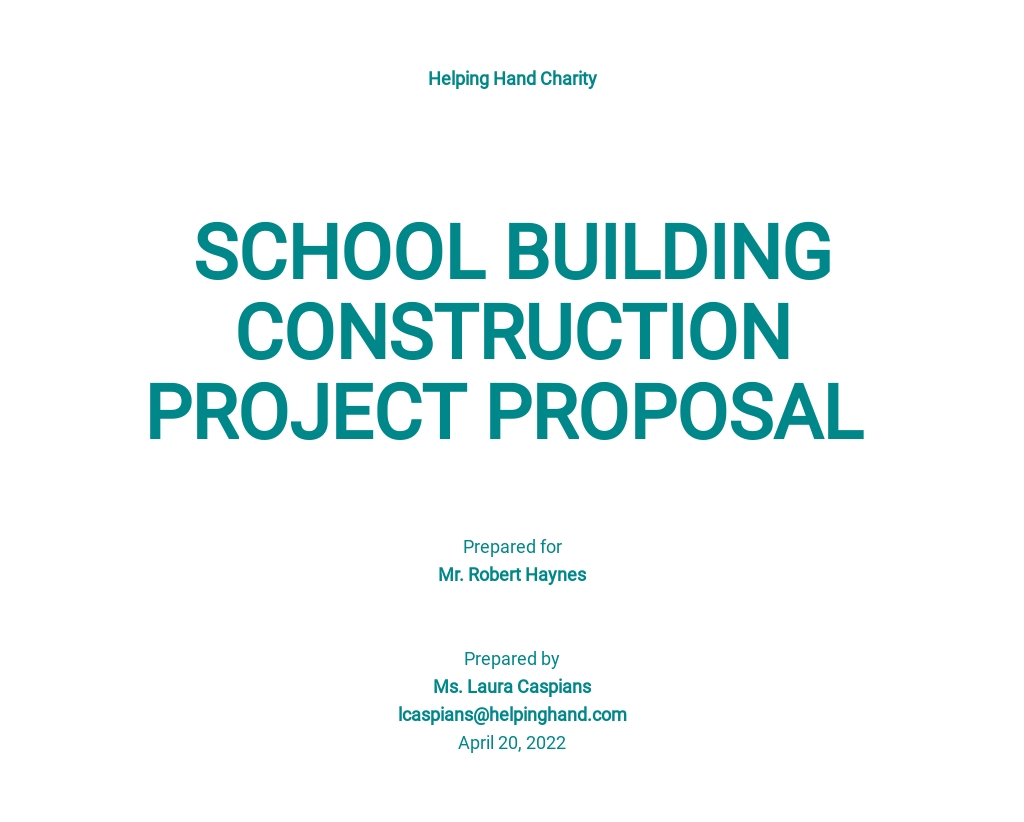 1024×822 proposal templates google docs templatenet from www.template.net



Project Proposal Template For Clients (Word + Google Docs) :
Project Proposal Template For Clients (Word + Google Docs) was posted in June 8, 2025 at 1:59 am. If you wanna have it as yours, please click the Pictures and you will go to click right mouse then Save Image As and Click Save and download the Project Proposal Template For Clients (Word + Google Docs) Picture.. Don’t forget to share this picture with others via Facebook, Twitter, Pinterest or other social medias! we do hope you'll get inspired by SampleTemplates123... Thanks again! If you have any DMCA issues on this post, please contact us!