Project Plan Template For Design Projects
Project Plan Template for Design Projects
A well-defined project plan is crucial for the success of any design project, ensuring that it stays on track, within budget, and meets the client’s expectations. This template provides a comprehensive framework for planning and managing design projects effectively.
I. Project Overview
Begin with a concise overview of the project. This section sets the stage and provides context for everyone involved.
- Project Title: A clear and descriptive name for the project.
- Project Goal: A high-level statement of what the project aims to achieve. For example, “To redesign the company website to improve user experience and increase conversion rates.”
- Project Objectives: Specific, measurable, achievable, relevant, and time-bound (SMART) objectives that support the project goal. Examples:
- Increase website traffic by 20% within 6 months.
- Improve the average user time on the website by 15%.
- Achieve a 10% increase in lead generation through the website.
- Project Scope: A detailed description of what is included in the project and, importantly, what is *not* included. This prevents scope creep later on. Examples:
- Included: Website redesign, new logo design, content migration.
- Excluded: Social media marketing, mobile app development.
II. Stakeholder Identification
Identifying and managing stakeholders is critical for buy-in and project success.
- List of Stakeholders: Identify all individuals or groups who have an interest in the project or will be affected by its outcome. Examples:
- Client (primary decision-maker)
- Project Manager
- Design Team (UI/UX designers, graphic designers, developers)
- Marketing Team
- End-Users
- Stakeholder Roles and Responsibilities: Clearly define each stakeholder’s role and responsibilities in the project. This ensures everyone knows what is expected of them.
- Communication Plan: Outline how and when stakeholders will be kept informed of project progress. This includes:
- Frequency of updates (e.g., weekly status reports)
- Communication channels (e.g., email, project management software, meetings)
- Who is responsible for providing updates.
III. Deliverables
Clearly define all the tangible outputs that the project will produce.
- List of Deliverables: A comprehensive list of all the deliverables that will be created during the project. Examples:
- Wireframes
- Mockups
- Prototypes
- Design Style Guide
- Final Design Files (e.g., PSD, AI, Figma files)
- Development-ready assets
- User Testing Reports
- Deliverable Descriptions: A brief description of each deliverable, outlining its purpose and key features.
- Acceptance Criteria: Define the criteria that each deliverable must meet in order to be considered complete and acceptable by the client. This helps avoid ambiguity and ensures quality.
IV. Timeline and Schedule
A realistic timeline is essential for managing expectations and keeping the project on track.
- Work Breakdown Structure (WBS): Break down the project into smaller, manageable tasks. This makes the project less daunting and easier to track.
- Task Dependencies: Identify any dependencies between tasks. Which tasks need to be completed before others can begin?
- Task Durations: Estimate the time required to complete each task. Be realistic and consider potential delays.
- Project Schedule (Gantt Chart or similar): Create a visual representation of the project schedule, showing task start and end dates, dependencies, and milestones. Project management software (e.g., Asana, Trello, Monday.com) can be very helpful for this.
- Milestones: Define key milestones throughout the project to mark significant progress points. Examples:
- Completion of wireframes
- Approval of mockups
- Final design approval
V. Resource Allocation
Determine the resources needed to complete the project.
- Team Members and Roles: List the team members involved in the project and their respective roles (e.g., UI Designer, UX Researcher, Project Manager).
- Equipment and Software: Identify any necessary equipment or software.
- Budget Allocation: Allocate the budget to different tasks and resources.
VI. Budget
A detailed budget is crucial for controlling costs and ensuring project profitability.
- Cost Breakdown: Itemize all project costs, including:
- Labor costs (hourly rates or salaries)
- Software licenses
- Equipment rentals
- Stock photos or graphics
- Printing costs
- Travel expenses
- Contingency Budget: Allocate a contingency budget to cover unforeseen expenses or potential overruns. A common practice is to allocate 10-15% of the total budget for contingencies.
- Payment Schedule: Define the payment schedule with the client. This might include upfront deposits, milestone-based payments, or final payment upon project completion.
VII. Risk Management
Identify potential risks and develop mitigation strategies.
- Risk Identification: Identify potential risks that could impact the project’s success. Examples:
- Client feedback delays
- Scope creep
- Technical difficulties
- Team member illness
- Risk Assessment: Assess the likelihood and impact of each identified risk.
- Mitigation Strategies: Develop strategies to mitigate each risk. For example:
- For client feedback delays: Establish clear communication channels and deadlines.
- For scope creep: Implement a change request process.
VIII. Communication Plan (Detailed)
Expand on the communication plan outlined in Section II.
- Communication Channels: Specify the channels that will be used for communication (e.g., email, Slack, project management software).
- Meeting Schedule: Define the frequency and purpose of project meetings (e.g., weekly status meetings, design review meetings).
- Reporting Requirements: Outline the reports that will be provided to stakeholders and their frequency.
IX. Project Closure
Define the process for formally closing the project.
- Final Deliverable Acceptance: Obtain formal acceptance of all deliverables from the client.
- Project Documentation: Ensure that all project documentation is complete and organized.
- Post-Project Review: Conduct a post-project review to identify lessons learned and areas for improvement.
- Client Feedback: Gather feedback from the client on their overall experience.
By using this project plan template, design teams can significantly improve their chances of delivering successful projects that meet client expectations and achieve desired outcomes.
 640×732 project plan template wikidownload wikidownload from wikidownload.com
  790×1118 professional project plan templates excel word templatelab from templatelab.com
 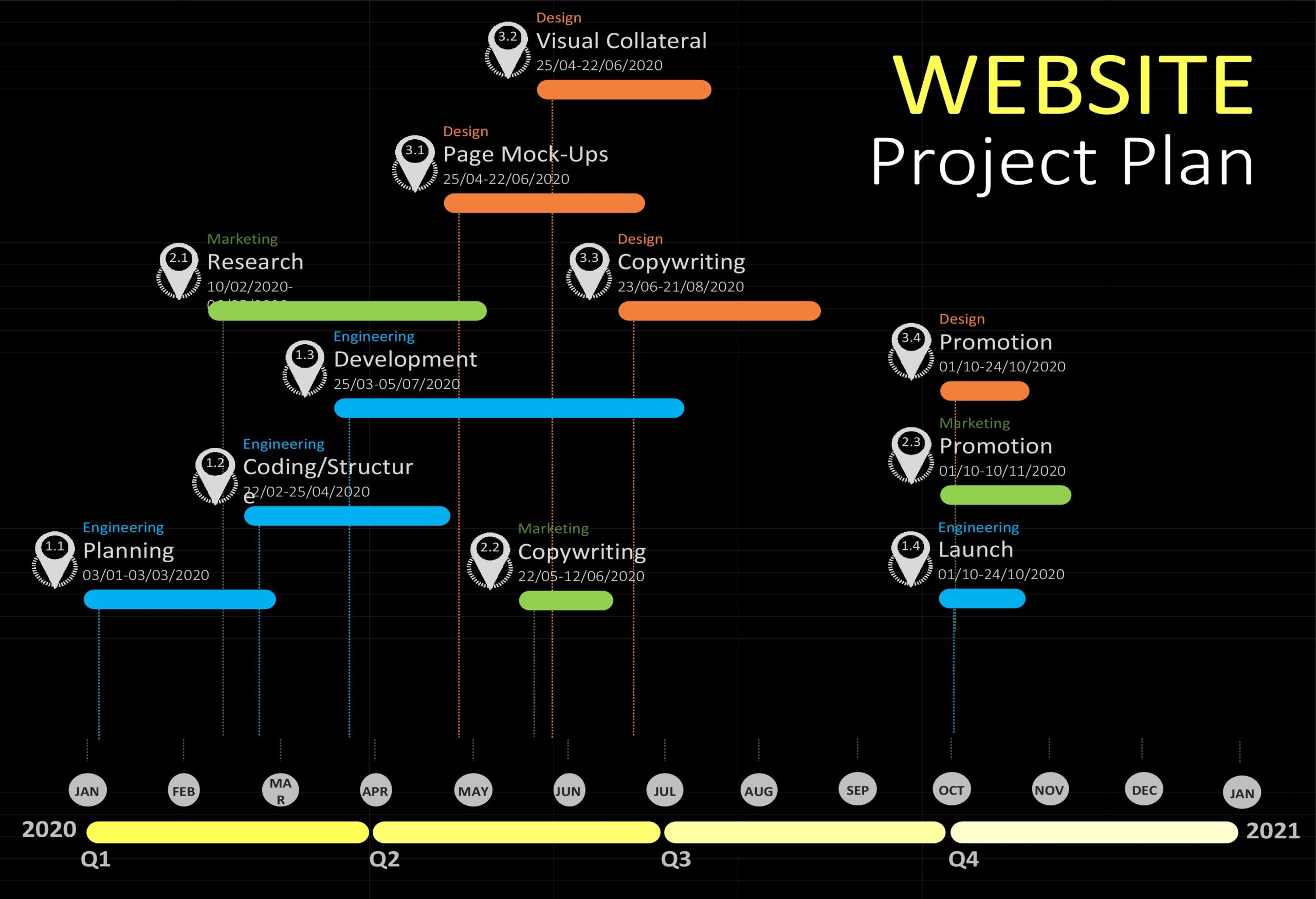 2560×1748 project plan templates excel word templatelab from templatelab.com
  1768×2500 professional project plan templates excel word template lab from templatelab.com
  1200×669 simple design project kanban board template teamly templates from www.teamly.com
  1368×1107 project plan template accelerating circularity from www.acceleratingcircularity.org
 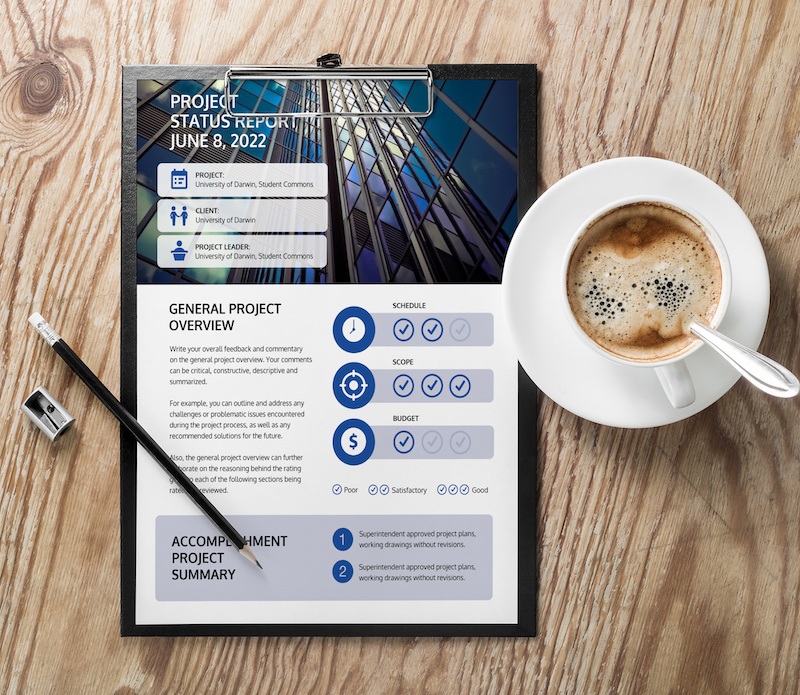 800×695 project plan templates examples from venngage.com
  2230×1400 design project plan template from www.cascade.app
  3800×3020 project planning template simplify task management timelines from diirzal.com
  707×813 project plan template from www.iseoblue.com
  1653×2339 project plan template ape project management from apepm.co.uk


Project Plan Template For Design Projects :
Project Plan Template For Design Projects was posted in May 26, 2025 at 9:52 am. If you wanna have it as yours, please click the Pictures and you will go to click right mouse then Save Image As and Click Save and download the Project Plan Template For Design Projects Picture.. Don’t forget to share this picture with others via Facebook, Twitter, Pinterest or other social medias! we do hope you'll get inspired by SampleTemplates123... Thanks again! If you have any DMCA issues on this post, please contact us!